
All-in-one workspace
Run sales, invoices, follow-ups, and customer care without a tool for every task.
Onita gives small businesses AI teammates that handle sales, invoices, follow-ups, and customer care — so you run the whole operation without hiring for every job.
Onita is an AI-era productivity platform that handles a small business's whole back office — sales, invoices, follow-ups, and customer care — in one affordable tool.
Sales, invoices, follow-ups, and customer care handled in a single affordable place.
The AI chases invoices and follow-ups, so you stop leaving money on the table.
Replies are drafted and sent on time, so nobody waits when you're busy.
Keeps customers, orders, and cash in one place
Sorts messages and drafts replies for your approval
Chases invoices and follow-ups until they're done
Lets customers book you without the back-and-forth
Shows sales and cash flow at a glance
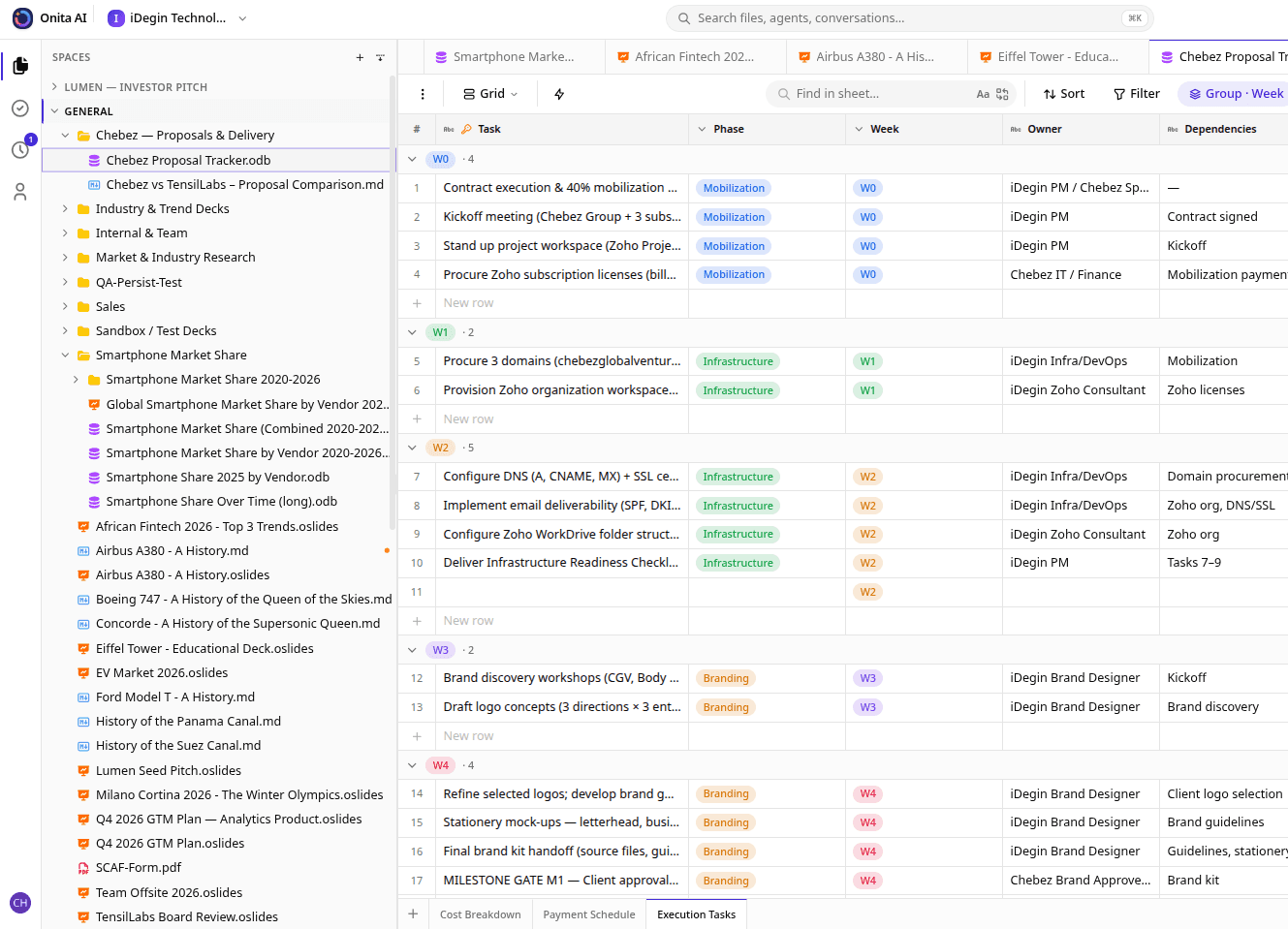
Run sales, invoices, follow-ups, and customer care without a tool for every task.
The AI follows up on unpaid invoices so cash comes in without the awkward reminders.
Messages sorted and answers drafted, so customers hear back fast even when you're slammed.
See sales, outstanding invoices, and cash flow in plain numbers at a glance.
2x
faster invoice collection
40%
less time on admin
1
tool instead of many
I was drowning in invoices, emails, and follow-ups on top of the actual work. Onita handles the whole back office now — chasing invoices, drafting replies, showing me the numbers — for one affordable price.
No. It's built for busy owners, not engineers — everything reads in plain language, and our team sets it all up for you so you just get the work done.
Yes. Sales, invoices, follow-ups, and customer care all live in one workspace, with the AI chasing what needs chasing so nothing slips while you run the business.
Onita is priced to replace a stack of separate tools, so a small business gets a full back office in one place instead of paying for many.
Book a demo and Onita's team sets everything up for you — your customers, invoices, follow-ups, and dashboards are configured before you start.
Book a demo and we'll set Onita up for small business around how your team already works — so you get more done from day one.