
Live capacity view
See who's working on what and how full they are, always current.
Onita gives planning teams a live view of who's working on what, where the pressure is, and which deadlines are at risk — so you allocate people well without anyone burning out.
Onita is an AI-era productivity platform that balances people, projects, and deadlines in one live view for confident resource planning.
The AI flags over-allocation early, so you rebalance before anyone burns out.
At-risk dates surface early, so you move people before a clash becomes a miss.
People, projects, and deadlines in a single view that's always current.
Tracks who's assigned to what and how full they are
Flags over-allocation and clashing deadlines early
Suggests rebalancing and updates the plan
Keeps every deadline and commitment in view
Shows capacity and risk across the whole team live
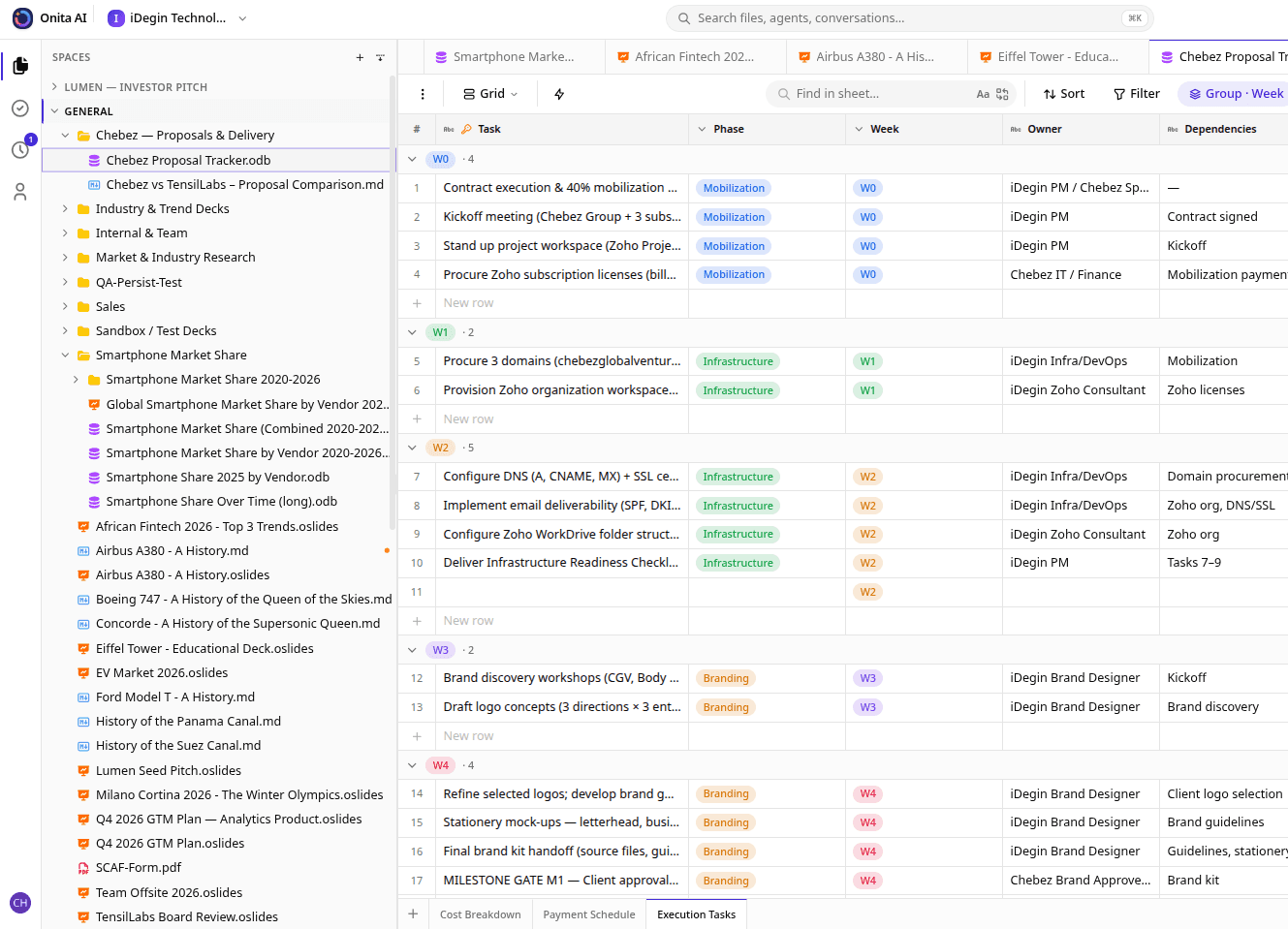
See who's working on what and how full they are, always current.
The AI flags over-allocation before it turns into burnout or a missed deadline.
Clashing and at-risk dates surface early, so you rebalance in time.
People, projects, and deadlines in one live view for confident decisions.
40%
fewer overloaded weeks
30%
fewer missed deadlines
5 hrs
saved on planning weekly
We used to plan capacity off a spreadsheet that was always out of date. Onita shows who's stretched and which deadlines are at risk in real time — so I rebalance before anyone burns out.
It tracks who's assigned to what and how full each person is in one live view, so you plan off real workload instead of a stale spreadsheet.
Yes. The AI flags over-allocation and clashing deadlines early, so you rebalance the plan before it turns into burnout or a missed date.
It pulls people, projects, and deadlines into one dashboard, so you see the whole plan at once and make confident trade-offs.
Book a demo and Onita's team sets everything up for you — your people, projects, capacity, and dashboards are configured before your team starts.
Book a demo and we'll set Onita up for resource planning around how your team already works — so you get more done from day one.