
Grid, board, timeline, calendar
See the exact same records as a spreadsheet grid, a Kanban board, a Gantt timeline, or a calendar — switch views without moving a thing.
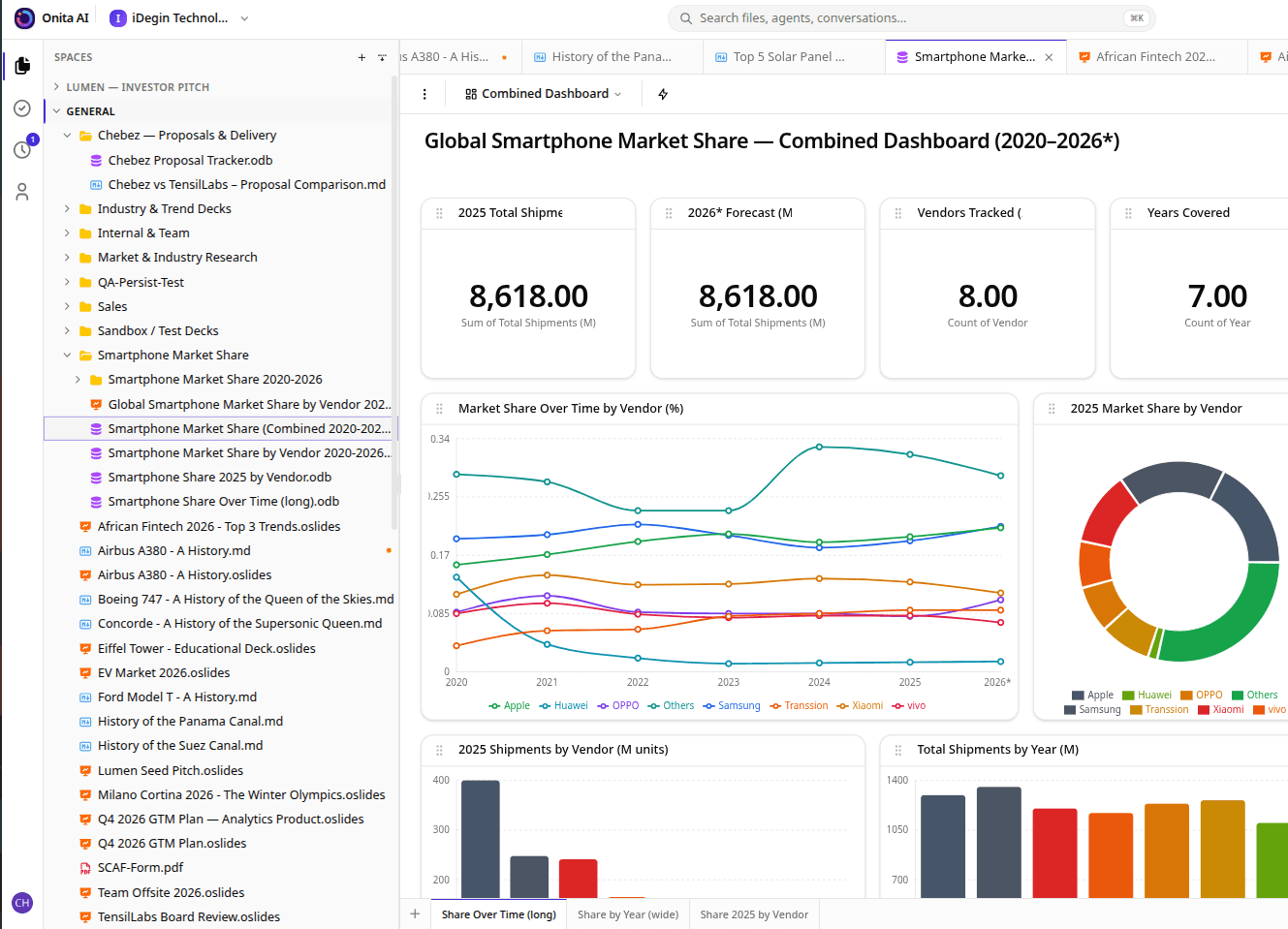
Keep your data in one place and look at it however you need — as a familiar grid, a board, a timeline, or a calendar. Records link together, formulas do the math, forms fill it in, and your AI reads and updates it for you.
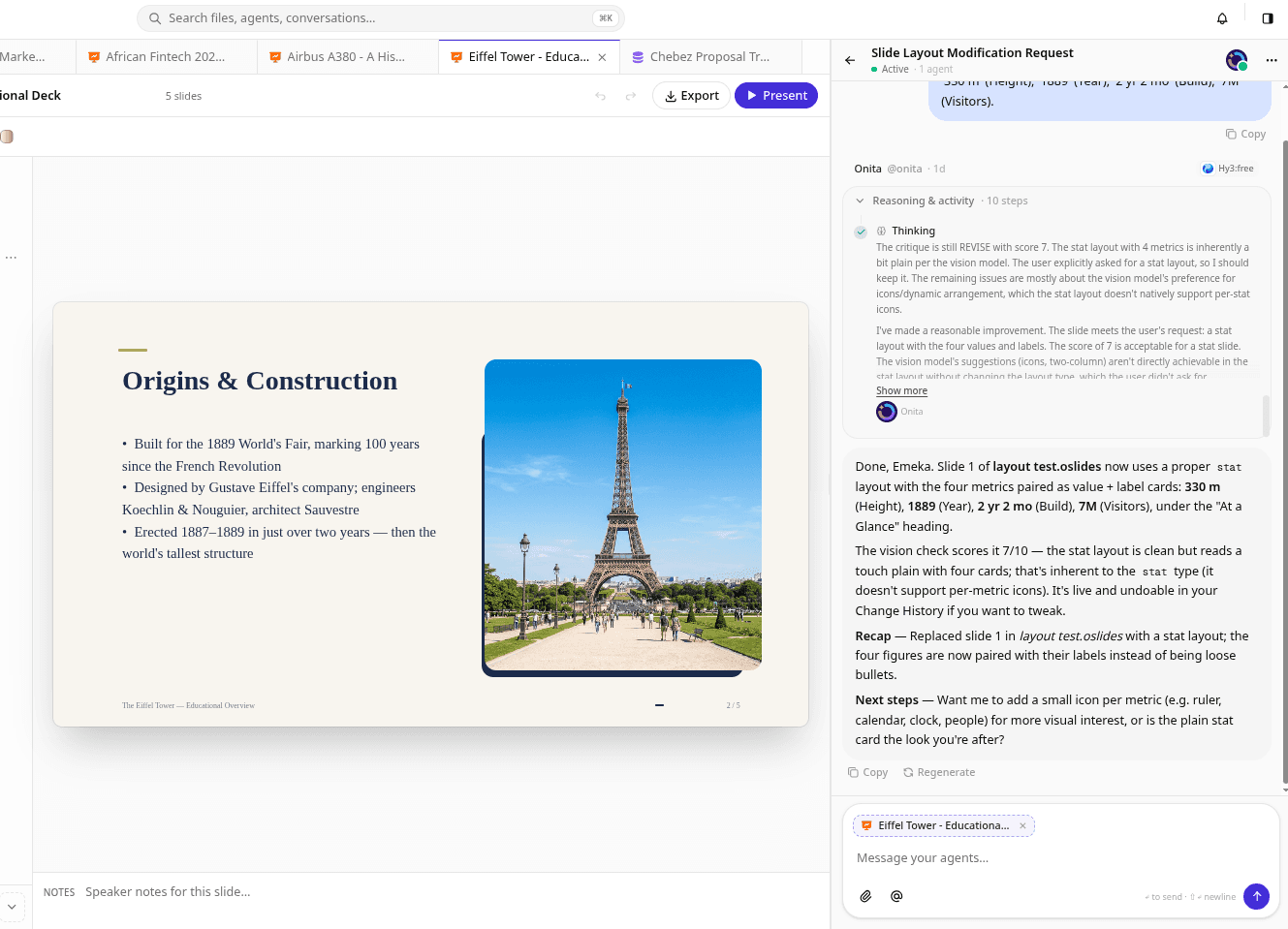
The Onita Spreadsheet is a spreadsheet and a database rolled into one. Your data lives as a single set of records you can view as a grid, a Kanban board, a Gantt timeline, or a calendar — no exporting, no rebuilding. Records connect to each other, computed and formula fields keep numbers current, forms feed rows straight in, and your AI can read and update everything so your data actually does something.
Built to carry real work — not just another view of it.
See the exact same records as a spreadsheet grid, a Kanban board, a Gantt timeline, or a calendar — switch views without moving a thing.
Connect clients, projects, and tasks so related data stays in sync and nothing has to be re-typed.
Computed and formula fields do the math for you and update themselves as the numbers change.
Form answers land as new rows, and your AI reads, fills, and updates cells as the work happens.
Because your AI can read and write your tables, records don't gather dust — they kick off tasks, update statuses, and feed your reports on their own, so your spreadsheet earns its keep.
See everything Onita doesThe same product, tuned to how your team actually delivers.
Track projects, clients, and assets in linked tables the whole team can trust.
Grid for entry, board for flow, timeline for planning — all over the same records.
Formulas and rollups summarize your data live, so a glance is always up to date.
Every Onita product shares the same data and works with the rest of your AI products.
It's both. You get the comfort of a spreadsheet with the power of a database — linked records, formulas, and several views over the same data.
Yes. Your AI can read your tables, answer questions about them, and update cells — filling fields, changing statuses, and adding rows as work happens.
Our team does. After your demo we build out the tables, views, and links your business runs on.
Book a demo and we'll set up Onita — Spreadsheet included — around how your team actually works.